
Honeywell Galaxy: setting and unsetting from the keypad
29 July 2026 · updated 28 September 2026 · Theo
FRLire cette fiche en françaisDay to day, the Honeywell Galaxy panel is operated from an Mk7 or Mk8 keypad. Every operation relies on entering a user code followed by a function key (A or ent). The keypad shown in this guide is set to French: its screen messages and status letters are quoted as they appear in French, with their meaning.
The procedure depends on the user's rights. A standard user only manages one group: setting is direct.
A user managing several groups chooses, each time they set, which groups to put into service.
This guide covers both cases.
- Single group — set: code →
Akey → the exit timer starts. - Several groups — set: code →
A→ select the groups (the group number switches its state toO) →ent→ timer. - Prerequisite: only a group in state
N(ready) can be set; a group inDhas an open zone. - Unset: on entry, beeps signal the timer → enter the code →
ent.
Simple setting and unsetting
This case is for a standard user, who only manages one group.
Setting needs no selection: the panel puts the group into service directly.
Enter the user code on the keypad, then press the A key.
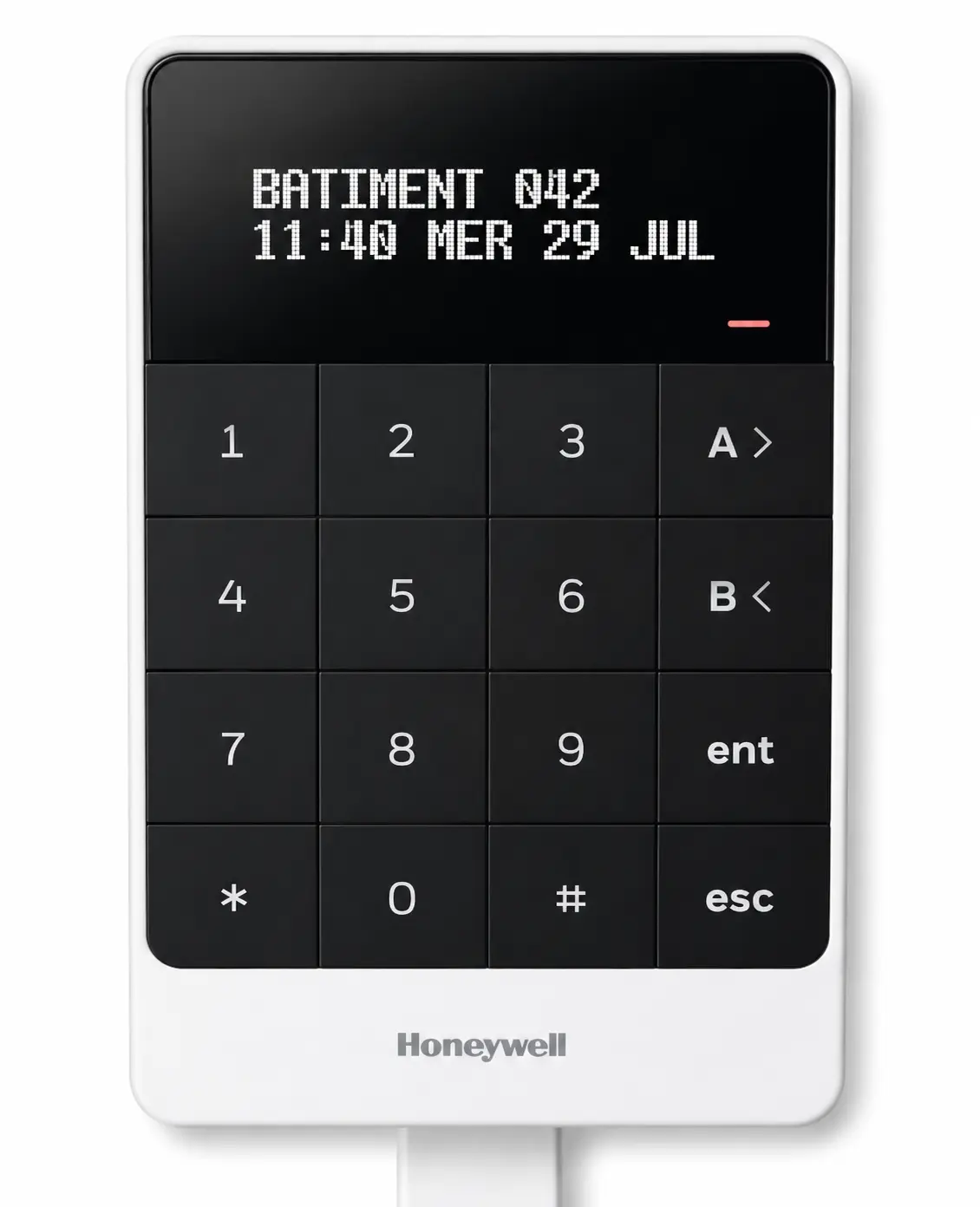
Click to enlarge
The exit timer is shown on the screen (countdown).
Leave the protected area before the countdown ends: the panel sets when the timer runs out.
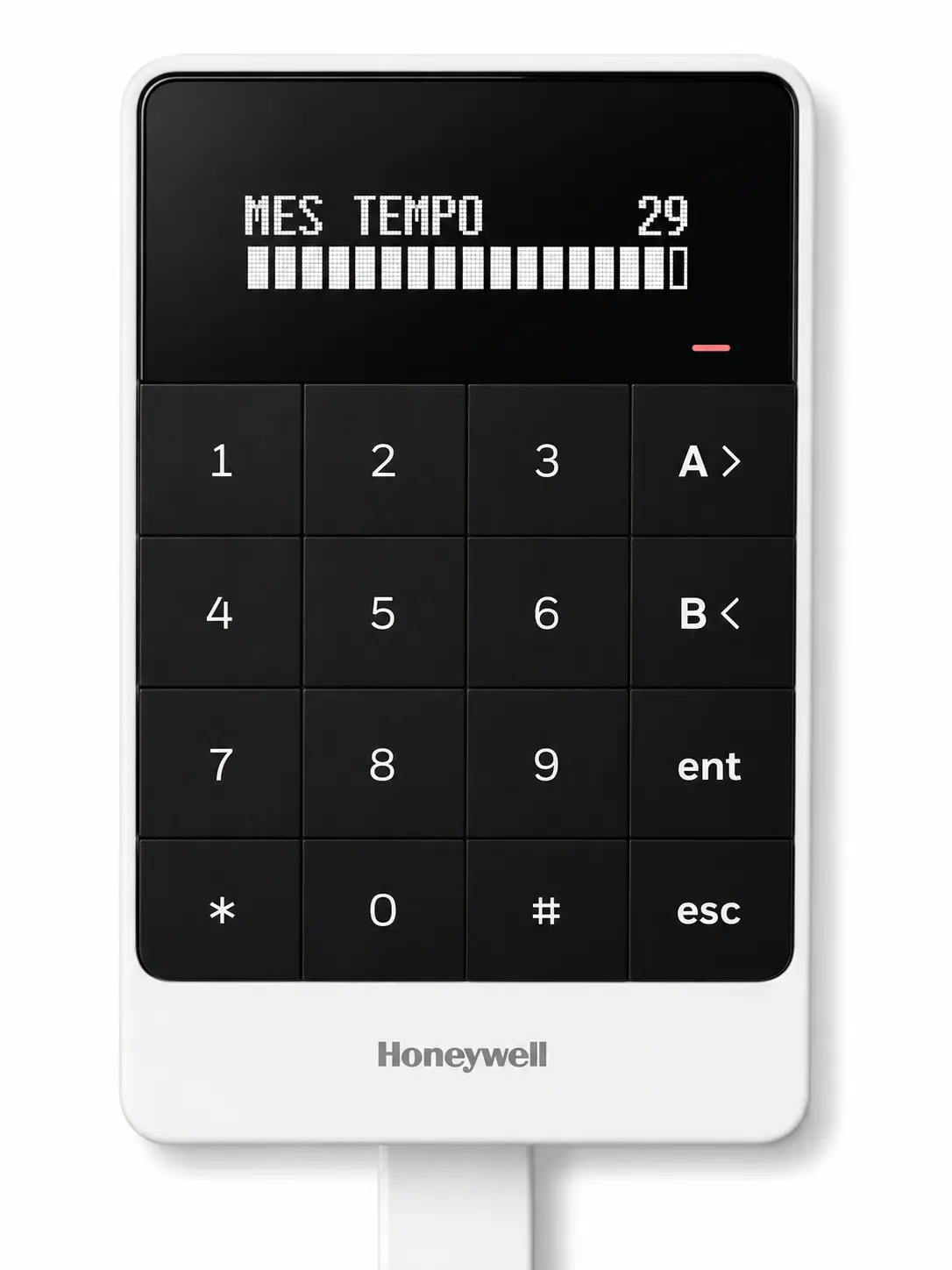
Click to enlarge
Enter the user code, then press
ent to unset the panel.Setting with group selection
This case is for a user managing several groups. After the code, the panel shows the state of each group and lets you choose which ones to set.
On the selection screen, the top line shows EN SERV A12345678 (“EN SERV” for in service), a numbering guide for groups 1 to 8. The bottom line shows the state of the groups, for example Groups DDN.
The status line is shorter than the numbering guide: only the groups assigned to the user appear on it. Each character is read by its position, which matches the group number: the 1st character is group 1, the 2nd is group 2, and so on. A group not assigned to the keypad in use appears as a dash -.
In the example Groups DDN, the user therefore manages three groups: groups 1 and 2 are in fault (D) — at least one active zone in them is open — while group 3 is ready to set (N).
Each character gives the state of one group:
| Character | Group state |
|---|---|
N |
Ready to set — all the active zones of the group are closed |
D |
Fault — at least one active zone of the group is open |
O |
In service (group set) |
P |
Part set |
R |
Group in a restriction period |
- |
Group not assigned to the keypad |
Applied to the example, the screen reads as follows (the position of the character gives the group number):
| Group | Character | State |
|---|---|---|
| Group 1 | D |
Fault — zone open |
| Group 2 | D |
Fault — zone open |
| Group 3 | N |
Ready to set |
A key.The screen shows EN SERV A12345678 then Groups DDN. In this example, group 3 is the 3rd character, in state N: it is ready to set. Groups 1 and 2, in state D, are in fault and cannot be set as they are.
Press the key matching the number of the group to set (here key 3): the character in 3rd position then changes from N to O, meaning the group will be set.
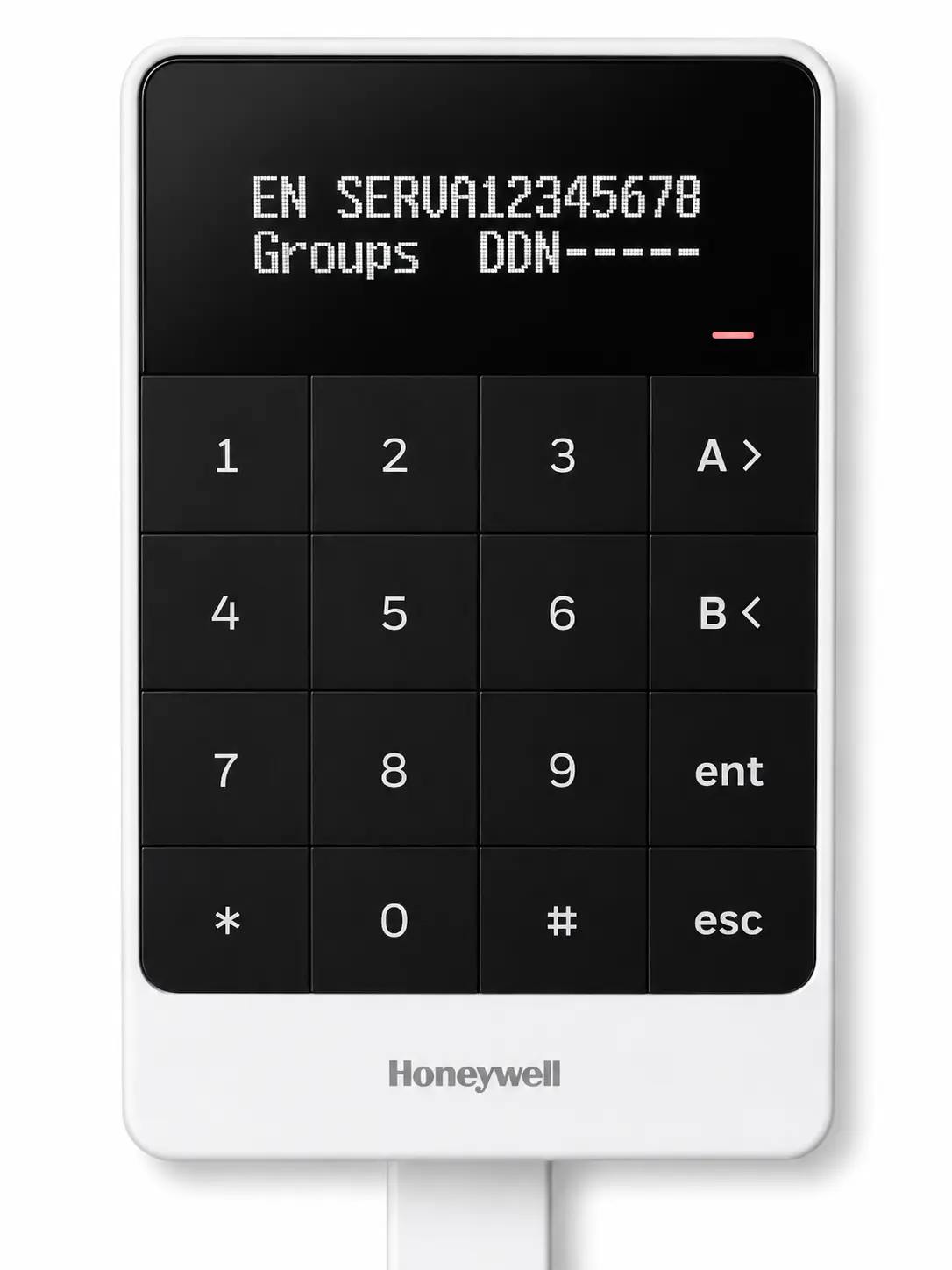
Click to enlarge
Once the group is in state O, press ent to confirm the selection. The exit timer starts.
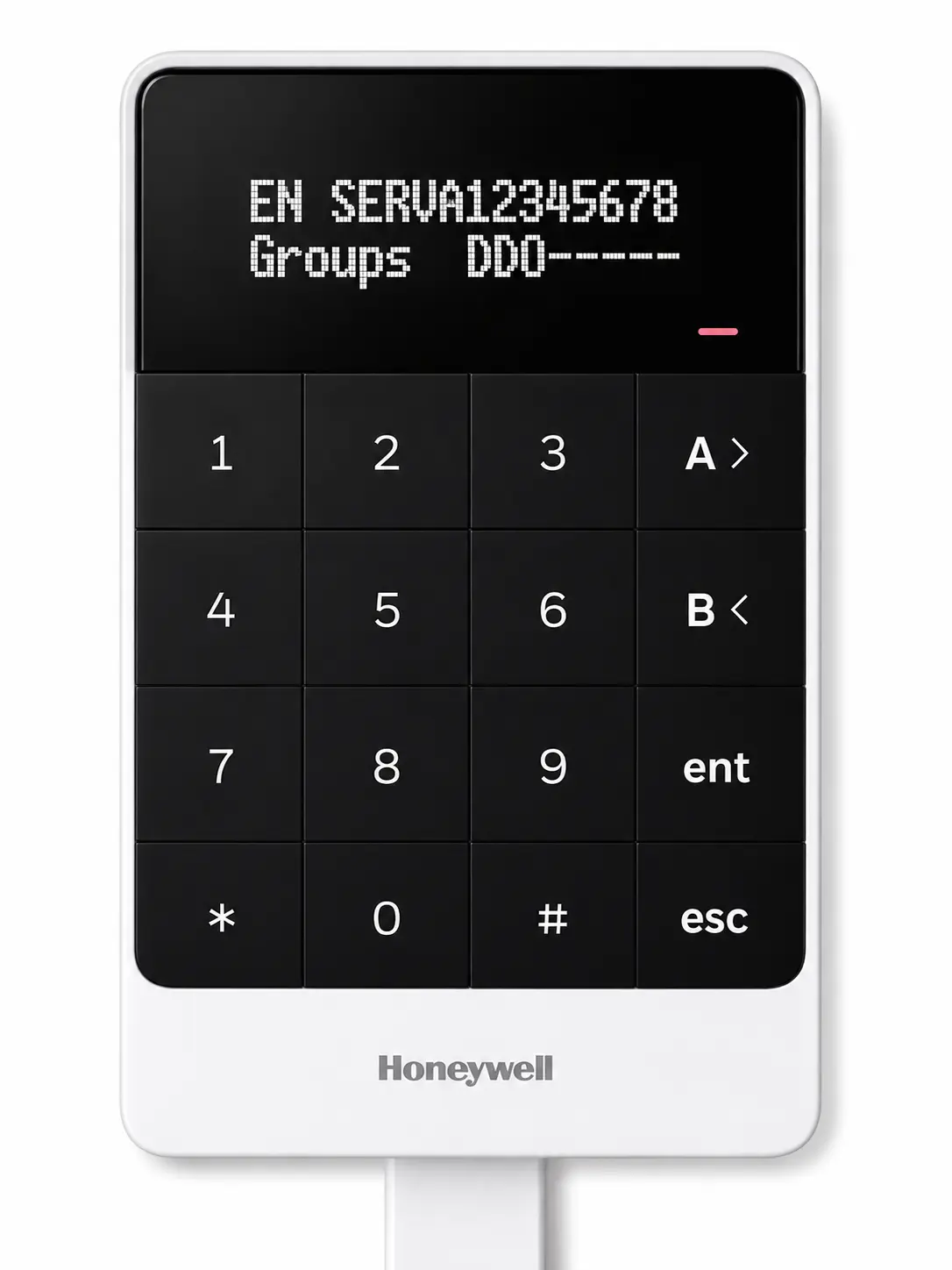
Click to enlarge
The exit countdown is shown. Leave the protected area before the countdown ends:
the selected group or groups set when the timer runs out.
Click to enlarge
Unsetting with group selection
Unsetting follows the same logic as for a standard user.
On entry, beeps signal the entry timer: enter the user code, then press ent.
On an account managing several groups, entering the code opens the choice screen to unset the groups concerned.
Points to watch
D on the selection screen. The keypad shows the zone at fault — clear the fault so that the group goes to N, then set again.N means a group is ready (active zones closed) and D a group in fault (at least one active zone open). Only a group in N can be set.